
From a chapter to a short drama, step by step
2026-09-22 · about 5 minutes to read
A chapter cannot go straight into a video model, because a model generates a few seconds at a time and a chapter contains many scenes. Four things happen in between: the prose becomes a script, the script's people and places become reference designs, the script is split into shots with their own lengths and dialogue, and each shot is generated from the shared designs. You review the output of every step before the next one runs.
One story, thirteen consecutive clips
Signal Behind the Sun was written as a story and planned as thirteen clips. These four frames are from across the finished film. The pilot who reads the signal in the opening is the pilot behind the cracked canopy at the end, and the clips in between include ones with no people in them at all.
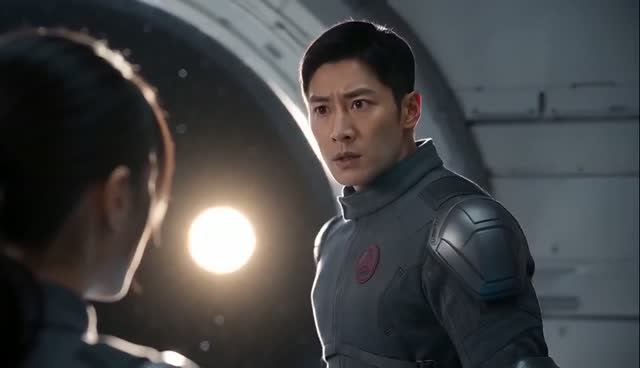
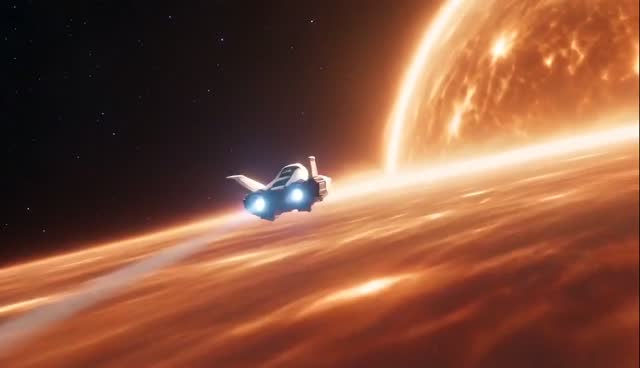
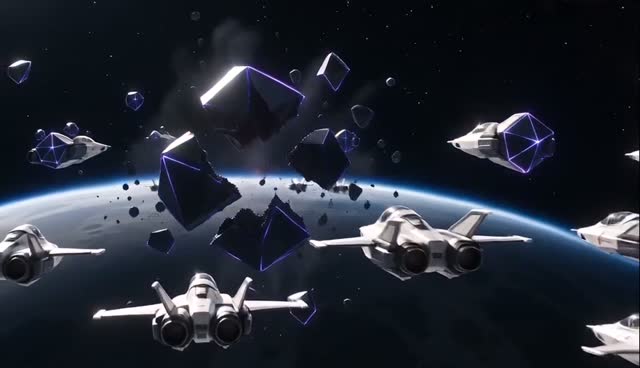
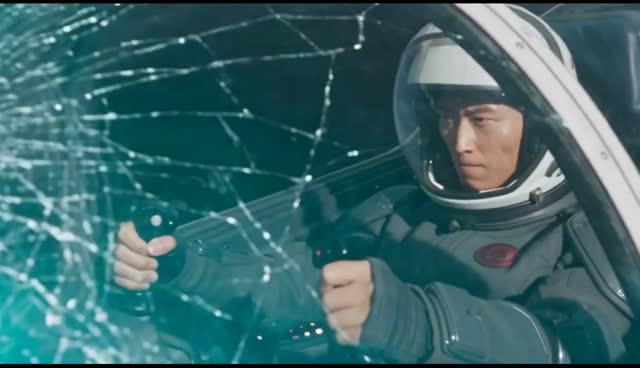
Step 1 - prose becomes a script
Prose carries a lot that a camera cannot: interiority, summary, time passing in a sentence. The first step turns it into something filmable - who is present, what they do, what they say out loud.
You choose whether to keep your own writing or let it be developed. Keeping it matters if the wording is the point; developing it matters if you brought an outline rather than a draft. Either way you read the script before anything is designed or generated, and you can edit it there.
Step 2 - the people and places get a face
The script is read for its cast: characters, locations and props, each with its own reference design built from what the text says about it rather than from a generic template. This is the step that decides whether your story keeps its world; it is worth spending time on.
Review each design and regenerate or replace the ones that are not what you pictured. It is much cheaper to fix a character here than to discover in clip nine that he was never right.
Step 3 - the script is split into shots
A chapter becomes a list of shots, each with its own length, action and dialogue. Long passages become more shots rather than one hurried one, and a line of dialogue stays inside a single shot so that the delivery is not cut in half.
Review the shot list before generating video clips. Adjust a scene's timing, action or dialogue while working with the cast designs you have prepared.
Step 4 - generation, and then assembly
Each shot is generated on its own, from the shared designs. Make another take of an individual clip while keeping the rest, or generate a selection of shots to explore a sequence before producing the whole chapter.
The finished clips land on a timeline, where you cut, reorder, add voice and music, and export. Pictures, video clips and audio use Gems; review the displayed price in the workspace before generating. What a story costs depends on the settings and how much of it you generate.
What to expect from a chapter-length story
Use the shot plan to see how your chapter will become a sequence of clips. Review the proposed timing and cast references, then choose which clips to generate. Check the displayed price for the pictures and clips you choose to generate.
Keep the cast designs with the project as the story grows. Start the next chapter from the saved project, select references for returning characters and plan its new scenes. Review the takes and refine individual clips before choosing the sequence for your finished episode.
Questions
- Can I keep my own wording instead of having it rewritten?
- Yes. Choose to keep your writing, and the shots are planned from your text rather than from a rewrite. You still see the script before anything is generated.
- How long a chapter can I paste?
- Longer text is planned as more clips rather than compressed into fewer. Check the input and duration limits shown in the workspace for your project.
- Will a character look the same in the next chapter?
- Continue the saved project to reuse its cast designs in the next chapter. Select the references for returning characters and review the new scene plan before generating. Each chapter has its own clips and selected takes.
- Does the dialogue in my chapter get spoken?
- Dialogue written in the story is planned as spoken lines in the clips. Stories in English and Chinese are both supported.
Read next
Try it with a story of your own.
Paste a storyReview the price shown for each step. Pay with Gems; no subscription required.