
A children's book where June and Theo look like themselves from the first page to the last
Write the story, choose the page count and an illustration style. Zoromi designs each character once from your description, illustrates every page with those designs, and lets you export the finished book as a PDF.
Review the price shown for each step. Pay with Gems; no subscription required.
June and Theo across a 24-page book
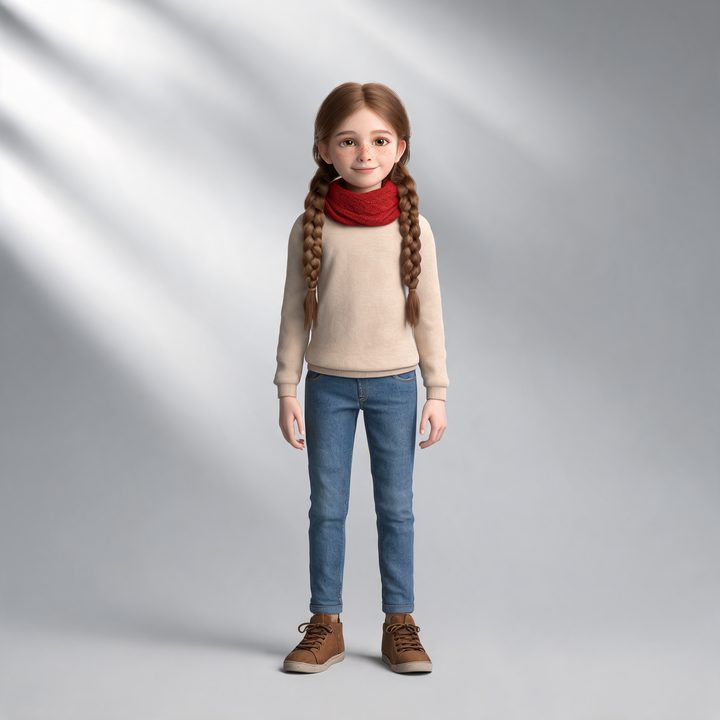
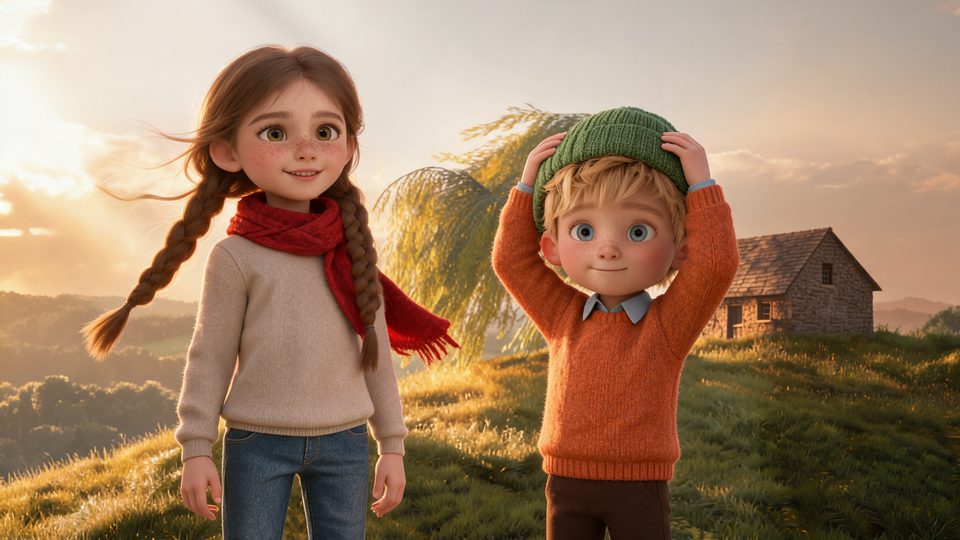
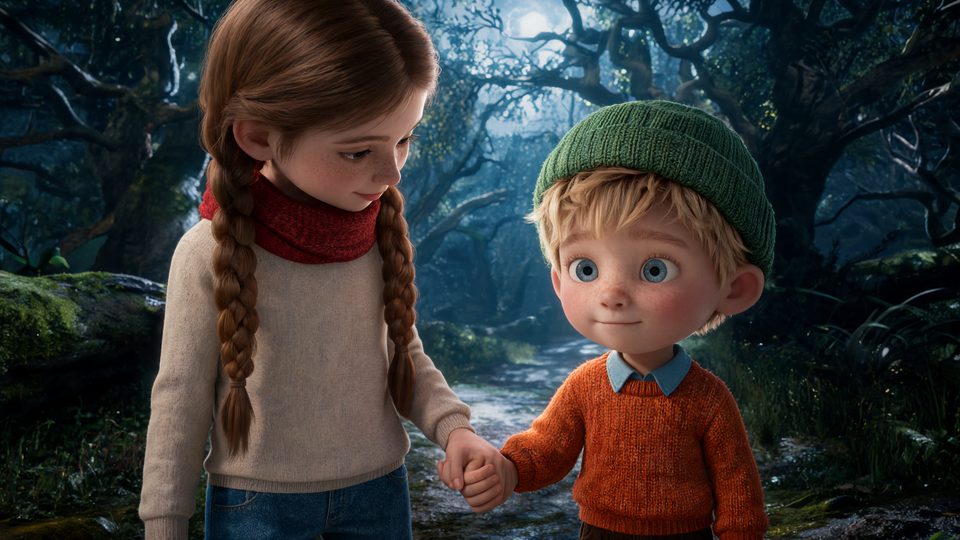
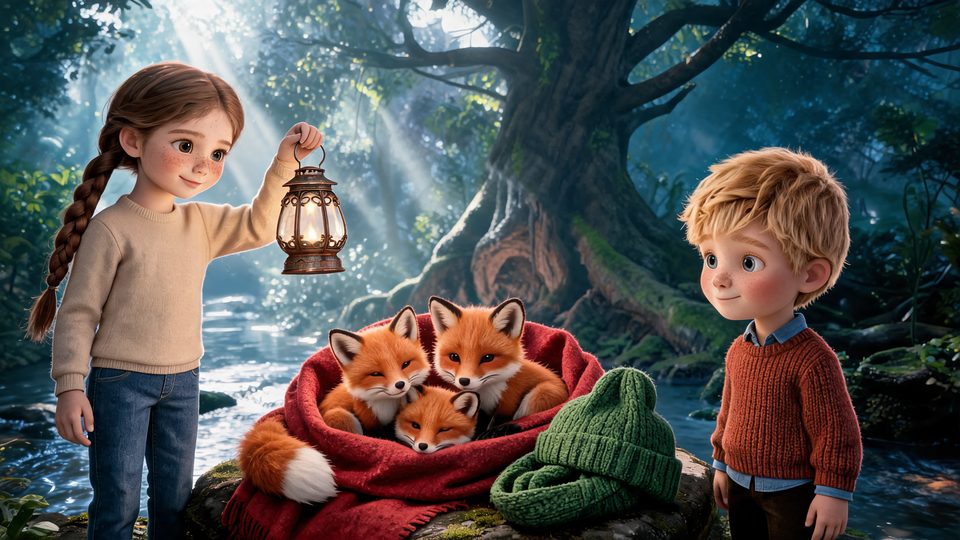
These pictures come from The Lantern of Willow Hill, a 24-page English children's book in a 3D cinematic style. Nothing was retouched. June keeps her long brown braids and red scarf, and Theo his green knitted hat, from the hilltop on page 1 to the forest on page 8; on page 19 the same red scarf and green hat keep the fox cubs warm.
How it works
- Step 1
Write the story
Describe the characters in your own words; set the page count and style.
- Step 2
Generate the pages
Every page is illustrated from the same character designs.
- Step 3
Export the PDF
Redo any single page first, then download the book.
Characters described once, drawn the same way throughout
The story's own description of each character - two long braids, a red scarf, a green knitted hat - becomes a design before any page is drawn. Every page is illustrated from those designs, so a young reader recognizes the children on sight.
Places and objects get designs too: the cottage on the hill, the woods, the copper lantern the children follow.
From a story to a book you can print
Choose the number of pages and the language, generate the book, and redo a single page if it is not right. Export the finished book as a PDF for printing or sharing.
Questions
Can I fix one page without redoing the book?
Yes. A page can be generated again on its own, and the rest of the book stays as it is.
Can the same story become a video?
Yes. The same story and cast can also be turned into short video clips.
How much does a children's book cost?
Pictures, video clips and audio use Gems; costs depend on the selected settings and amount of content. Review the displayed price in the workspace before generating, and see the pricing page for Gems packs or optional monthly plans.
More answers in the FAQ and current rates on the pricing page.
Try it with your own story
Bring your story, review the available steps and prices, then choose what to generate.
Make a children's book