
A short drama from a short outline, with the same cast from clip 1 to clip 10
Start with a short conflict, a reveal or a comic payoff. Turn your outline into a script, review shared cast references and plan the clips for a short drama. Check each stage's cost before you run it, then select the takes for your final cut.
Review the price shown for each step. Pay with Gems; no subscription required.
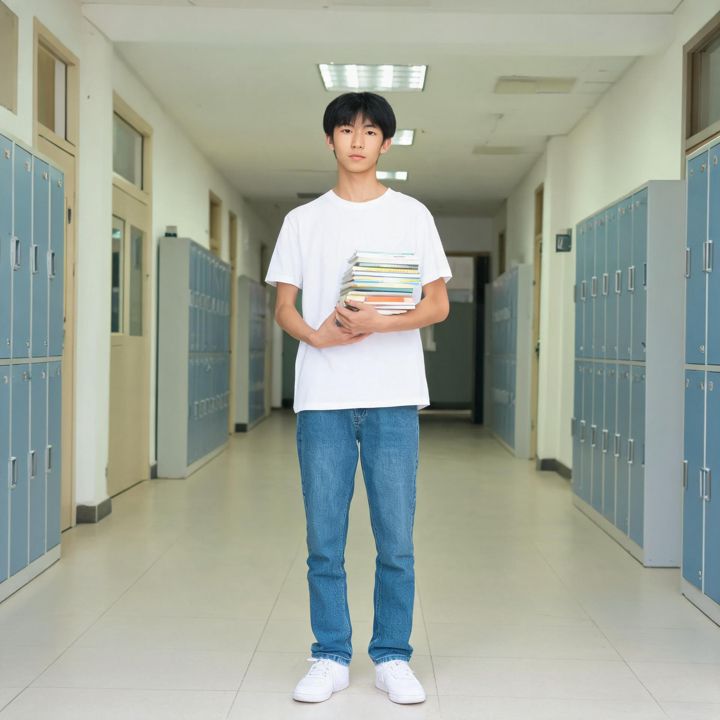
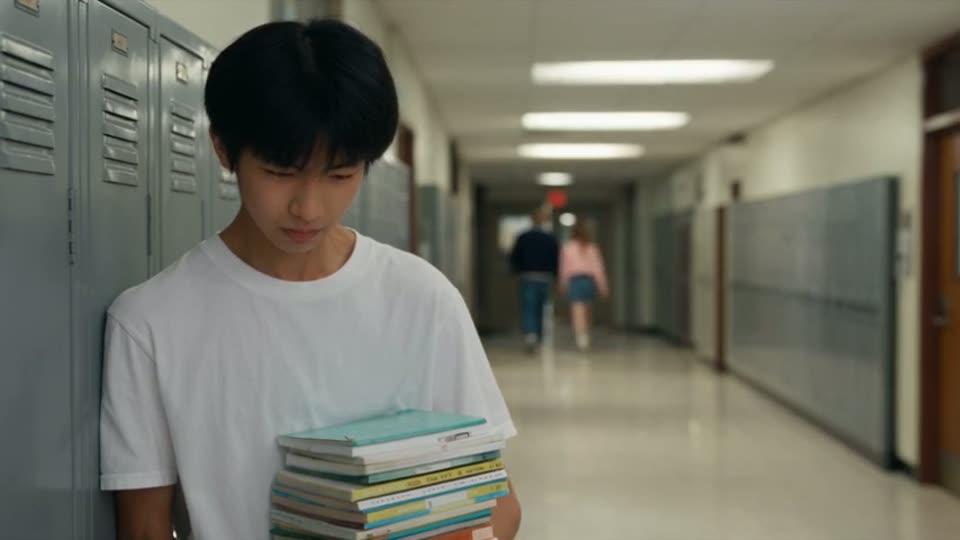
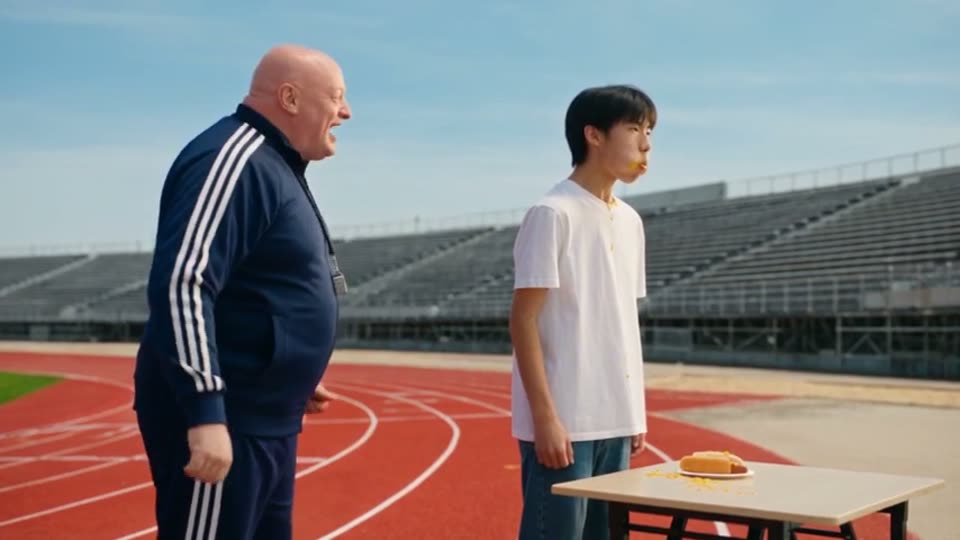
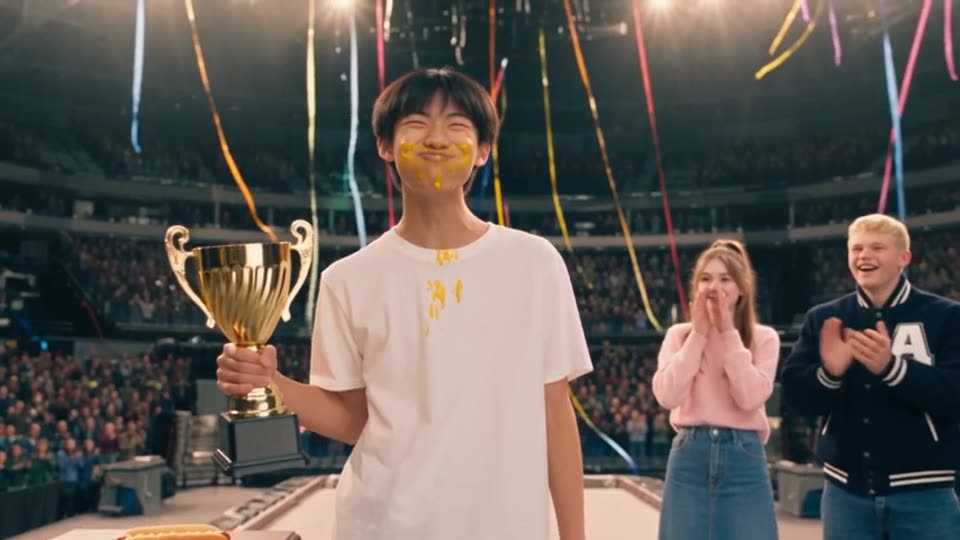
Explore one character across a finished 10-clip drama
These frames come from Hot Dog King, a 10-clip comedy generated from a short Chinese outline, 12 seconds per clip. Nothing was retouched. Mike's face, hair and clothes carry from the corridor in clip 1 to the podium in clip 10.
How it works
- Step 1
Paste the story
A full script, a scene list, or one paragraph. One sentence is enough; Zoromi can expand it.
- Step 2
Prepare the references
Review the cast designs, reuse saved images or check the cost of generating new references.
- Step 3
Review the clips and video cost
Check the planned action, dialogue and duration of each clip, then review the remaining video-generation cost.
- Step 4
Generate and edit
Generate all clips, redo any single one, and assemble the drama in the Video Editor.
Vertical for YouTube Shorts and TikTok
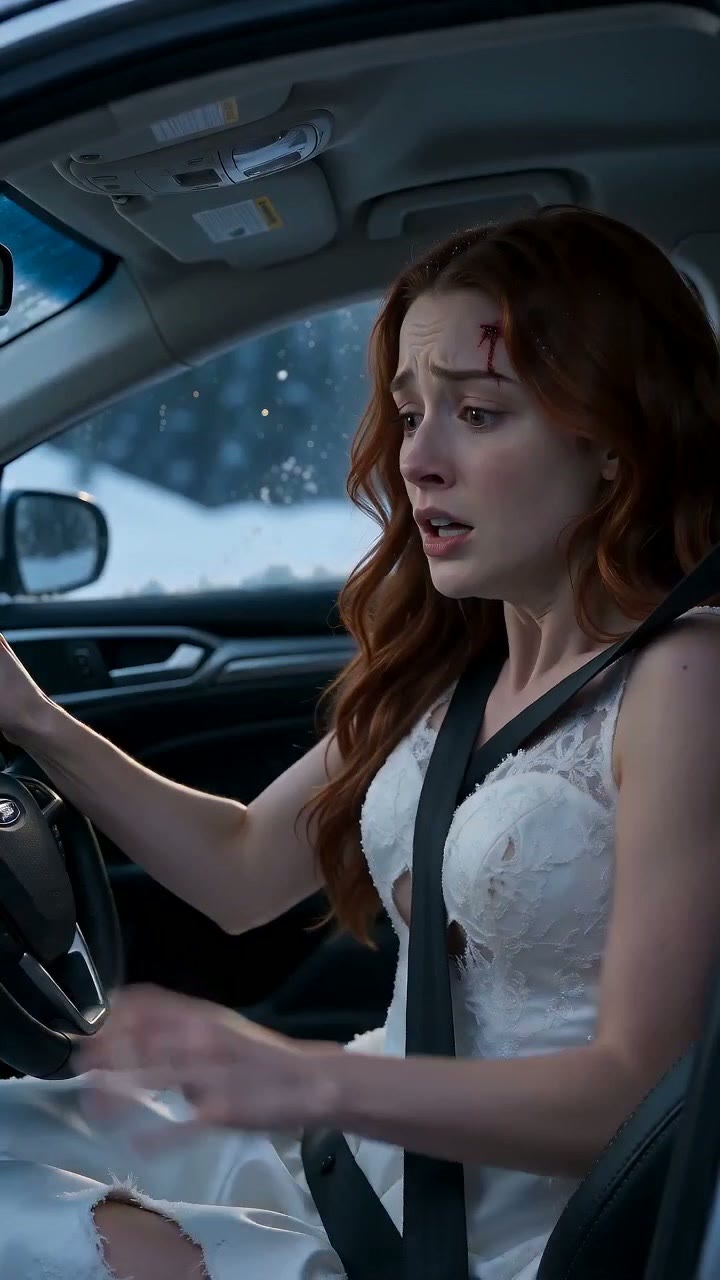
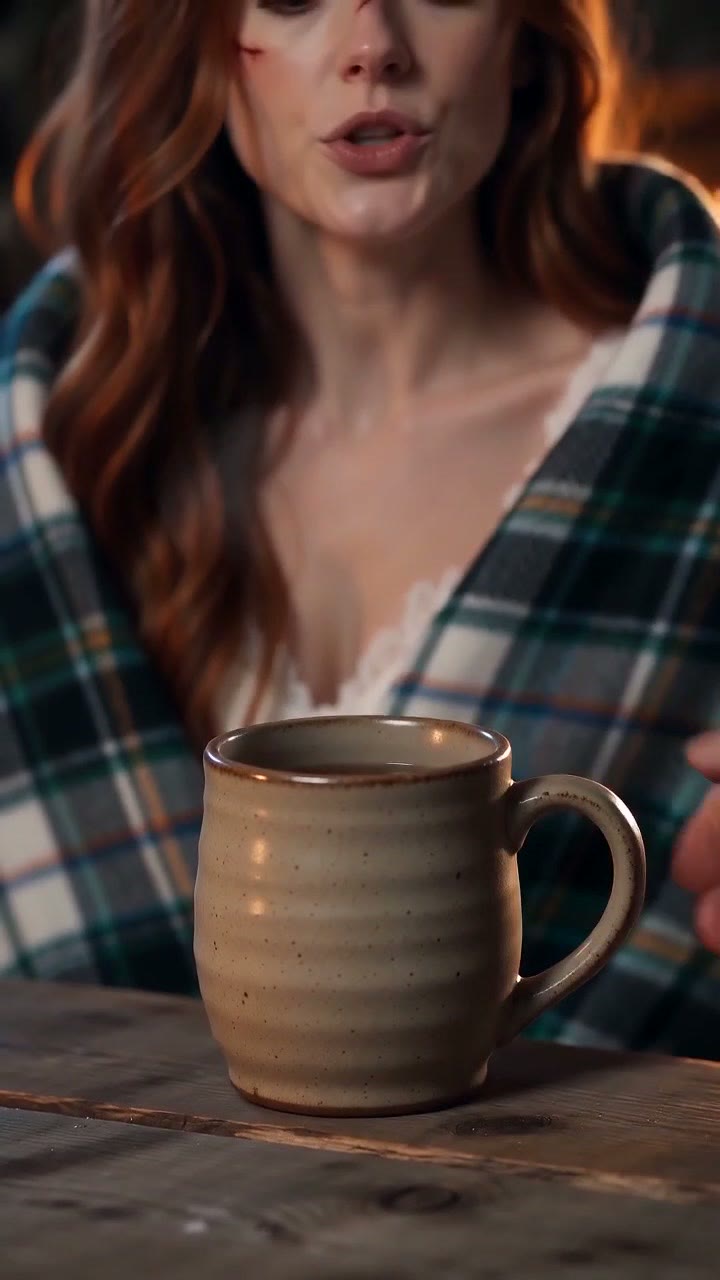
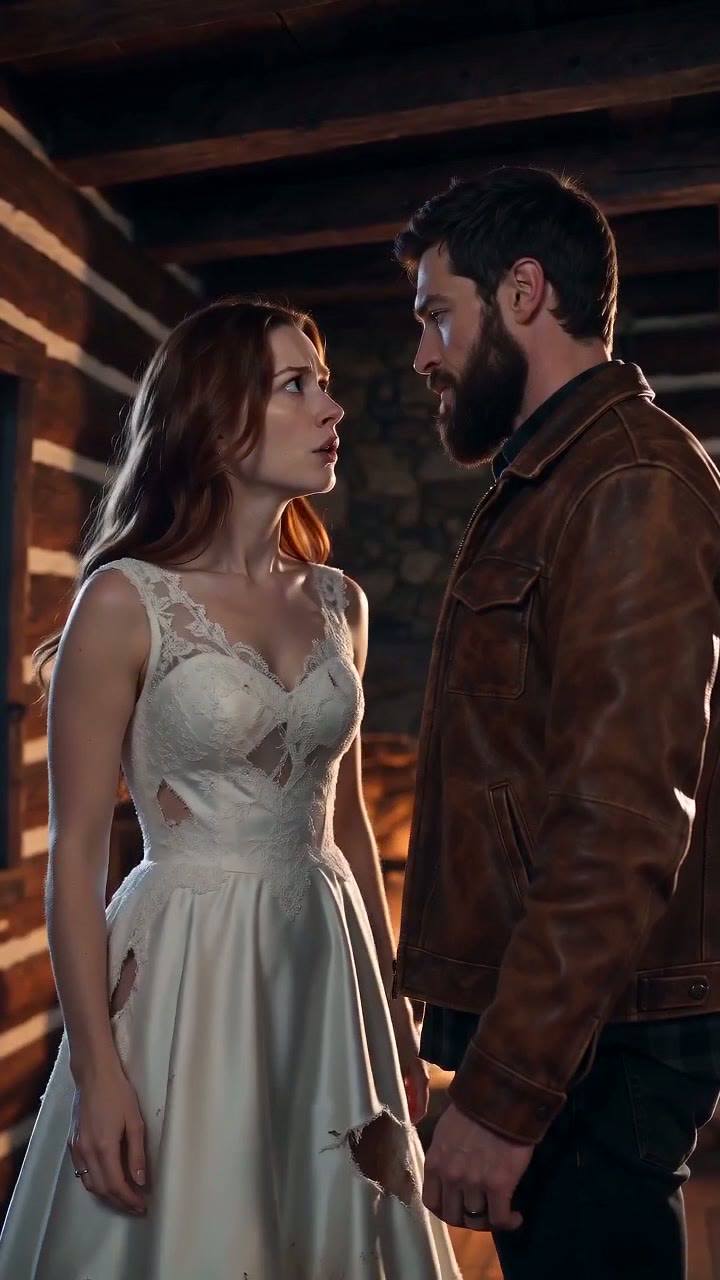
Pick 9:16 once and the whole episode is made upright - the cast cards, the scenes and every clip. Fated Crash was made at 9:16 for Zoromi Theater: a 77-second first episode in seven clips. The same clips cut straight into a 31-second Short with nothing reframed.
Open on the action (the crash is at 0:00), put the first line in the first ten seconds, and end on the hook - Fated Crash ends its first episode on 'You're mine now.' That is the shape Shorts and TikTok reward, and it is the shape the shot plan gives you to edit.
Give a short drama a clear hook and payoff
Open with an action or a problem the viewer can understand quickly. Give the next character a reaction and a reason to speak, then build toward a reveal, a decision or a joke. Review that progression in the script before planning the shots.
Shared character, location and prop references give the clips a common visual direction. Select the designs for each scene, then bring its action and dialogue to life in the planned clips.
What you control
Pick vertical 9:16 for TikTok, YouTube Shorts and Reels or 16:9 for widescreen, then choose the model, resolution and clip duration settings. Planning may extend a clip within the model's limit or split content that needs more time. Review the resulting clip lengths and video quote before generating.
Generate another take for an individual clip and compare the saved versions. Select your takes for the Final Movie, then open the Video Editor to refine their order, timing and audio.
Questions
How long can a short drama be?
The finished length depends on the clips you plan and select. Duration settings and limits vary by model; planning can extend or split a clip to fit its content. Check the resulting lengths and cost before generation. Hot Dog King is an example planned as 10 clips of 12 seconds.
How much does an AI short drama cost?
Pictures, video clips and audio use Gems; costs depend on the selected settings and amount of content. Review the displayed price in the workspace before generating, and see the pricing page for Gems packs or optional monthly plans.
How do I use the same cast across clips?
Save the character designs for your story and select them for the scenes where those characters appear. Shared references guide the cast's appearance, while each clip's instructions describe its action, dialogue and setting. You can review and refine individual takes before assembling the drama.
Can I make it for Shorts, TikTok and Reels?
Yes. Choose 9:16 at the start and every clip is made vertical; the finished episode downloads as one file, and single clips download on their own for Shorts.
More answers in the FAQ and current rates on the pricing page.
Try it with your own story
Bring your story, review the available steps and prices, then choose what to generate.
Start your short drama